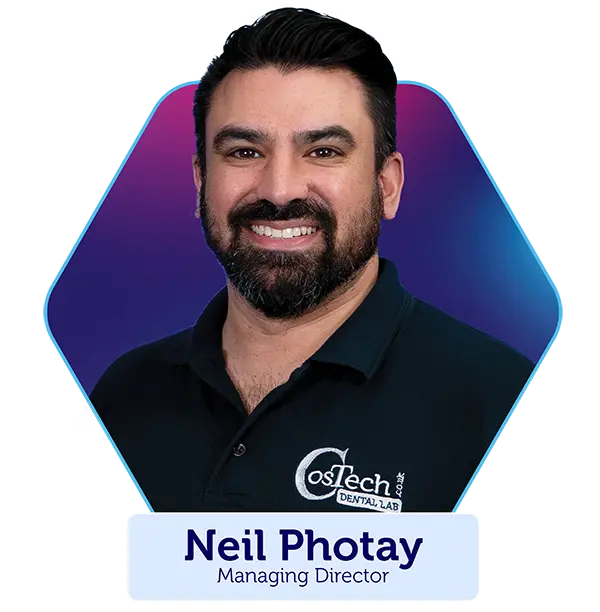
Neil is joined by Graphenano, the manufacturers of G-CAM, to talk CosTech clients through the groundbreaking dental material. They also cover common queries on everything from indications and fit protocol through to the patient experience and aftercare.
Go to https://us.3shapecommunicate.com Select “CONNECTIONS” Request a connection with CosTech Dental Lab Email [email protected] to let us know you have requested a connection After your connection is approved, select CosTech Dental Lab when sending files
Cares Connect/Straumann
Dentist/clinician has to get in touch with Straumann directly and they will add our lab within their scanner
Carestream
Visit ‘Carestream Connect’ on your scanner Search for CosTech Dental Lab Add CosTech Dental Lab Select CosTech Dental Lab when submitting scans or raw .STL files
Dentsply Sirona
Log in using the ‘Connect Case Centre’ software
Choose ‘My Favourite Recipients’ from the left hand menu Search for ‘CosTech Dental Lab’ and click add
Dexis IS connect
Visit ‘Dexis IS connect’ on your scanner Search for CosTech Dental Lab Add CosTech Dental Lab Select CosTech Dental Lab when submitting scans or raw .STL files
iTero
Please contact your iTero representative and request a link to CosTech Dental Lab.
Launca
Select “Find a Laboratory” on your scanner Connect to CosTech Dental Lab We will receive your file directly from your scanner and book your case in _ If you have any technical problems sending your file email us at [email protected]
Medit
Log into www.meditlink.com with the administrator account Go to ‘Partners on the left pane’ Search for ‘CosTech Dental Lab’ and click the ‘Request Partnership’ button You’ll see that the lab has been added to the ‘My Partner List’
NeoScan
Dentist can add us via NeoConnect online portal
Shining 3D
Dentist can add us via Shining 3D online portal within the “Connection” tab
You're successfully signed up for latest lab news & promos.
We use cookies to ensure that we give you the best experience on our website. If you continue to use this site we will assume that you are happy with it.